 OrniWeb
Speed
Pages use the Chromium engine shipped with the app. Memory saver can suspend background tabs so the window stays lighter.
ORNITIX TECHNOLOGIES
OrniWeb is a desktop browser for Windows. Sites open in a sandboxed Chromium view. History, bookmarks, and passwords stay on this PC.
Download link coming soon.
Coming soon on Microsoft Store.

The same browser you can run today. No account is required.
Pages use the Chromium engine shipped with the app. Memory saver can suspend background tabs so the window stays lighter.
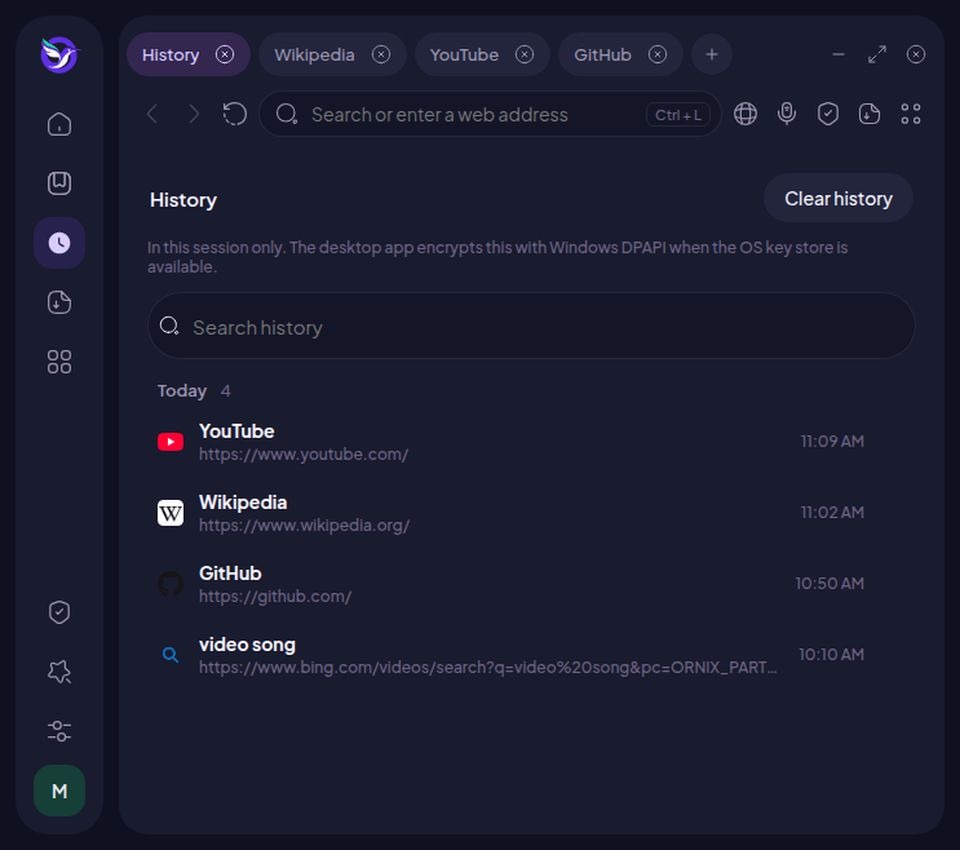
Each site runs in a sandbox. Saved bookmarks, history, downloads, and passwords are encrypted with Windows DPAPI when the OS key store is available. Public http addresses can be upgraded to https. A private window does not write history.
On Windows 10 and Windows 11 you can hide the sheet behind the sidebar and the main panel. Blur, where the PC supports it, uses the system acrylic look.
A download stays on the tab you started it from. The shelf stays open until you click outside it, and it sits above the page.
EasyList, EasyPrivacy, and uBlock Origin’s lists, updated daily. The shield shows what a page tried to load and turns blocking off for a site you trust.
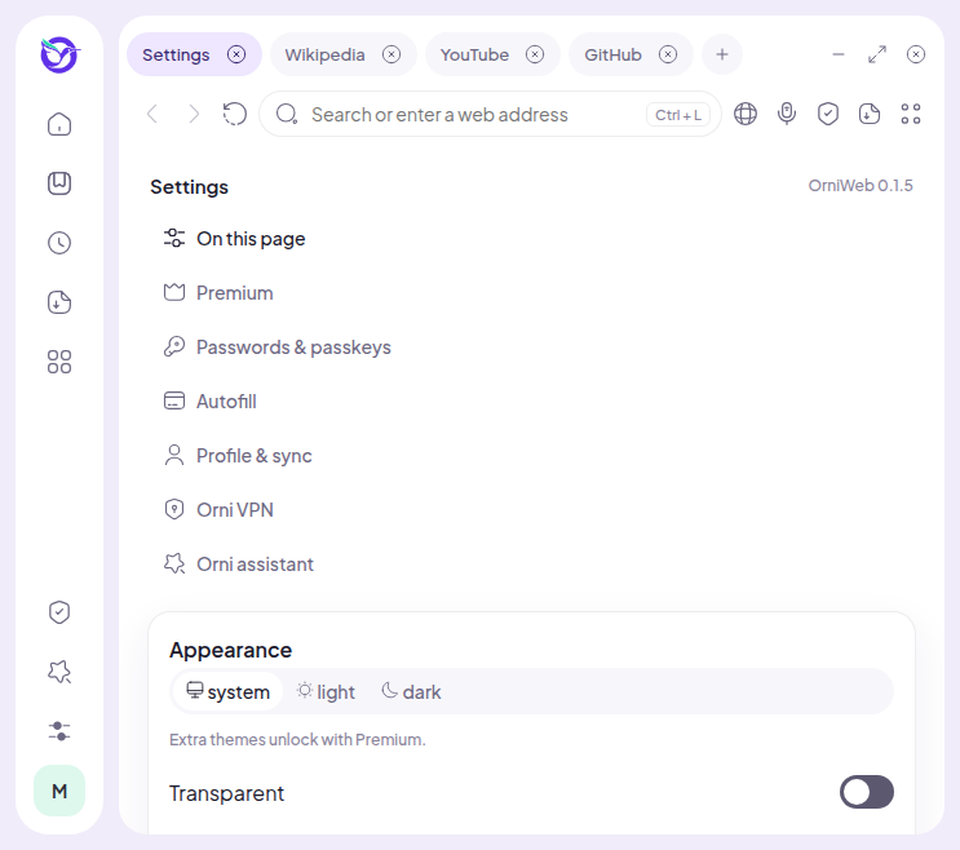
Follow the system theme, or pick light or dark. Premium adds the Midnight and Dawn accents once that plan is on for the device.
These are screens from OrniWeb, not mock marketing art.